
Your content has
much more to tell.
Turn audio and video into information you can find and use. Transcribe, recognize, interpret and retrieve the moments that matter.
Different capabilities.
Connected content.
Each engine adds a layer of information. Together, they help you understand what is said, what is shown and what it means.
Speech-to-Text and Diarization
Every word, at the right moment.
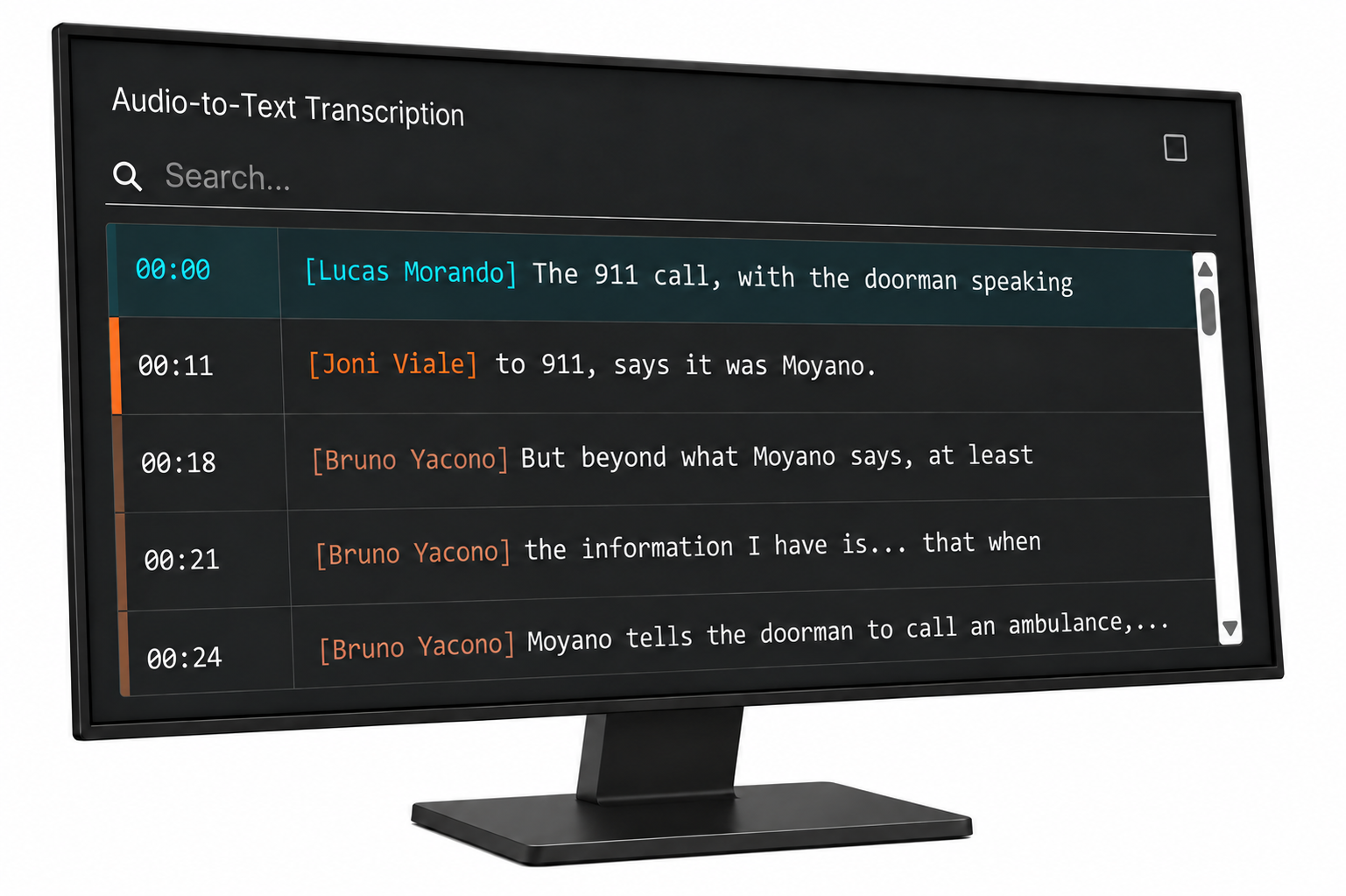
Turn audio into text synchronized with video. Diarization separates speakers' turns, making interviews, debates and conversations easier to navigate.
- Search for words and phrases in your recordings.
- Jump from the transcript to the segment you need.
- Distinguish speaking turns without losing context.
For newsrooms, archives and media monitoring: find a statement without listening to hours of programming.
Facial Recognition
The people you need. The moments they appear.
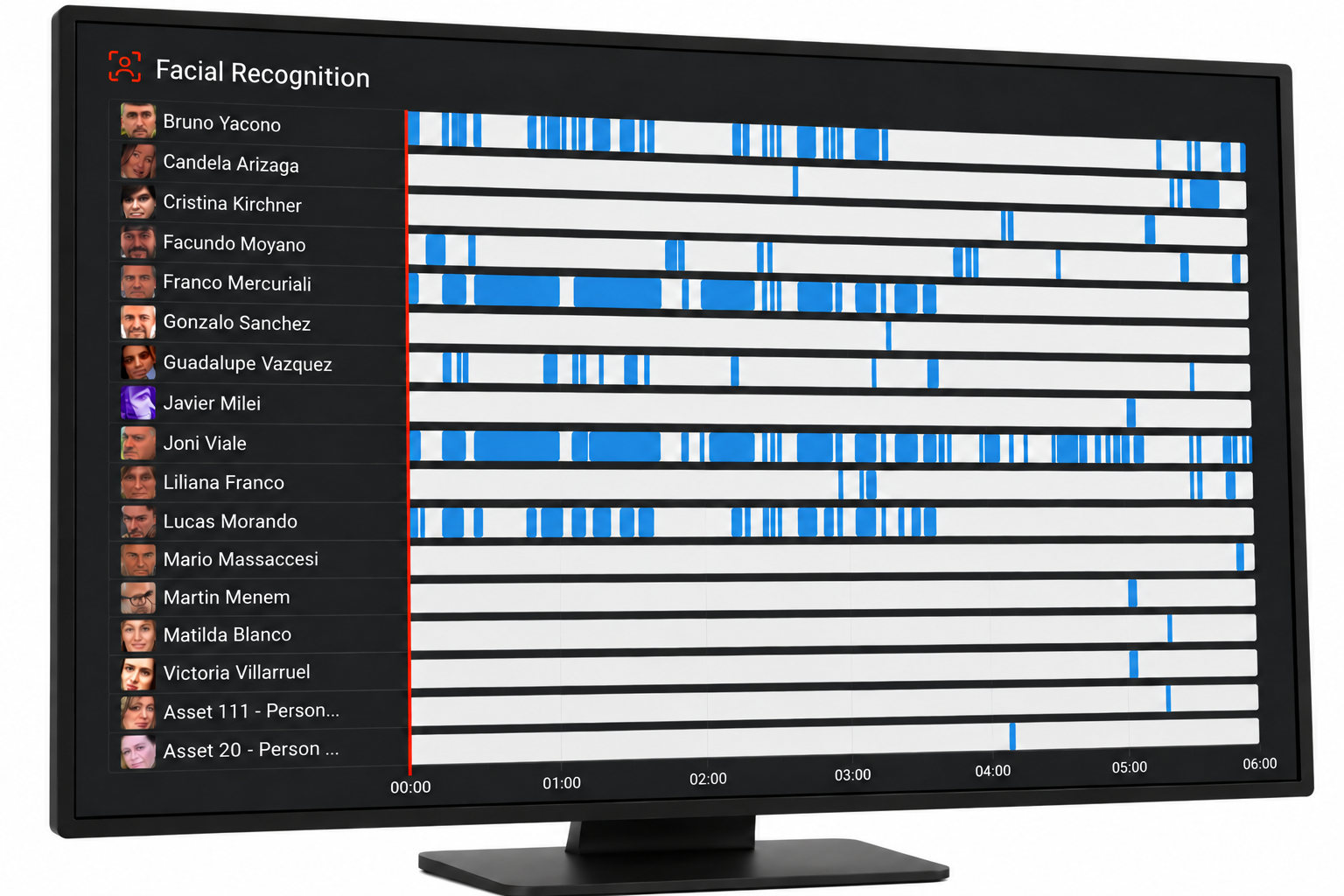
Locate appearances using reference images. ViDeus links recognition results to the content so you can review each match and retrieve relevant material.
- Register people using reference images.
- Find their appearances in analyzed signals.
- Review results and prepare reports.
An interview, a conference or an on-screen appearance: make your archive easier to explore.
Logo recognition
Your brand tells a story on screen too.
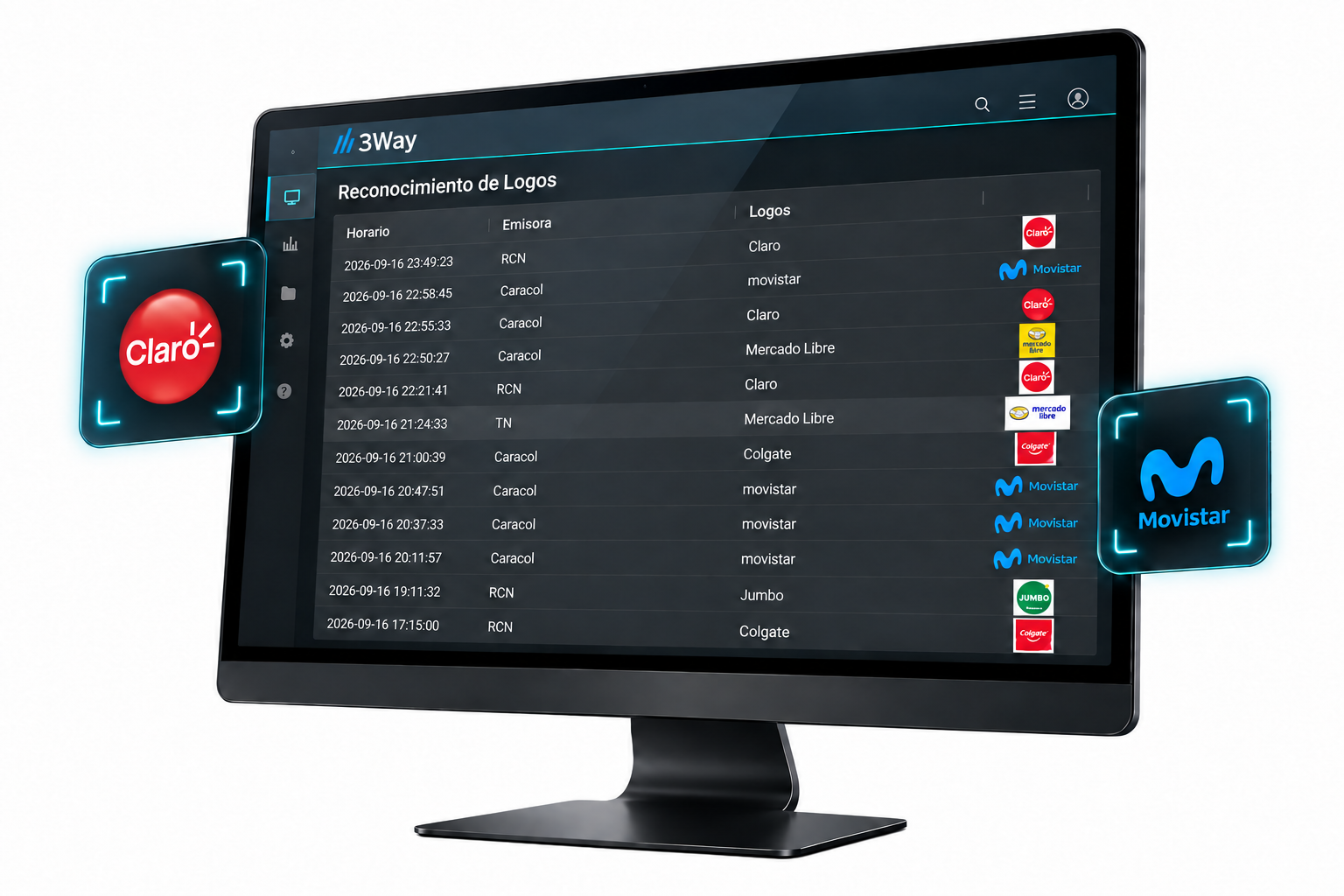
Detect registered logos in television and streaming broadcasts. Turn visual brand appearances into results you can search, review and report.
- Upload images of the logos you want to track.
- Review each appearance in its audiovisual context.
- Generate reports to track brands and sponsors.
Complement audio mention tracking with a brand's visual presence.
OCR · Text Recognition
If you can read it, you can find it.
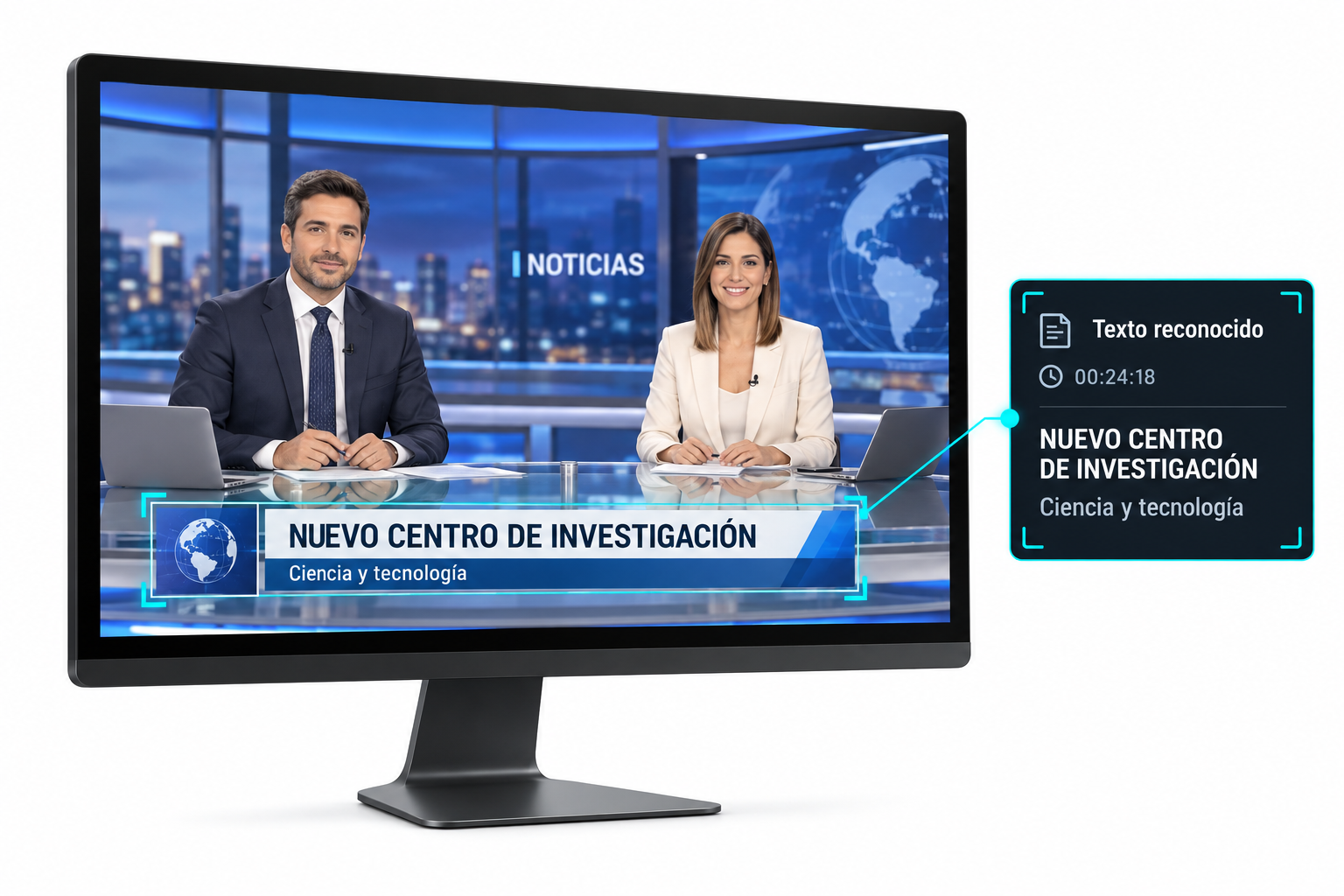
Lower thirds, headlines and title cards often contain information that is not spoken. Optical character recognition turns this text into indexed information linked to the relevant video moment.
- Analyze the image regions that matter to you.
- Search for names and headlines appearing on screen.
- Retrieve video associated with recognized text.
Find a story even when the name you need only appeared in a lower third.
Object Detection
Search by what appears, too.
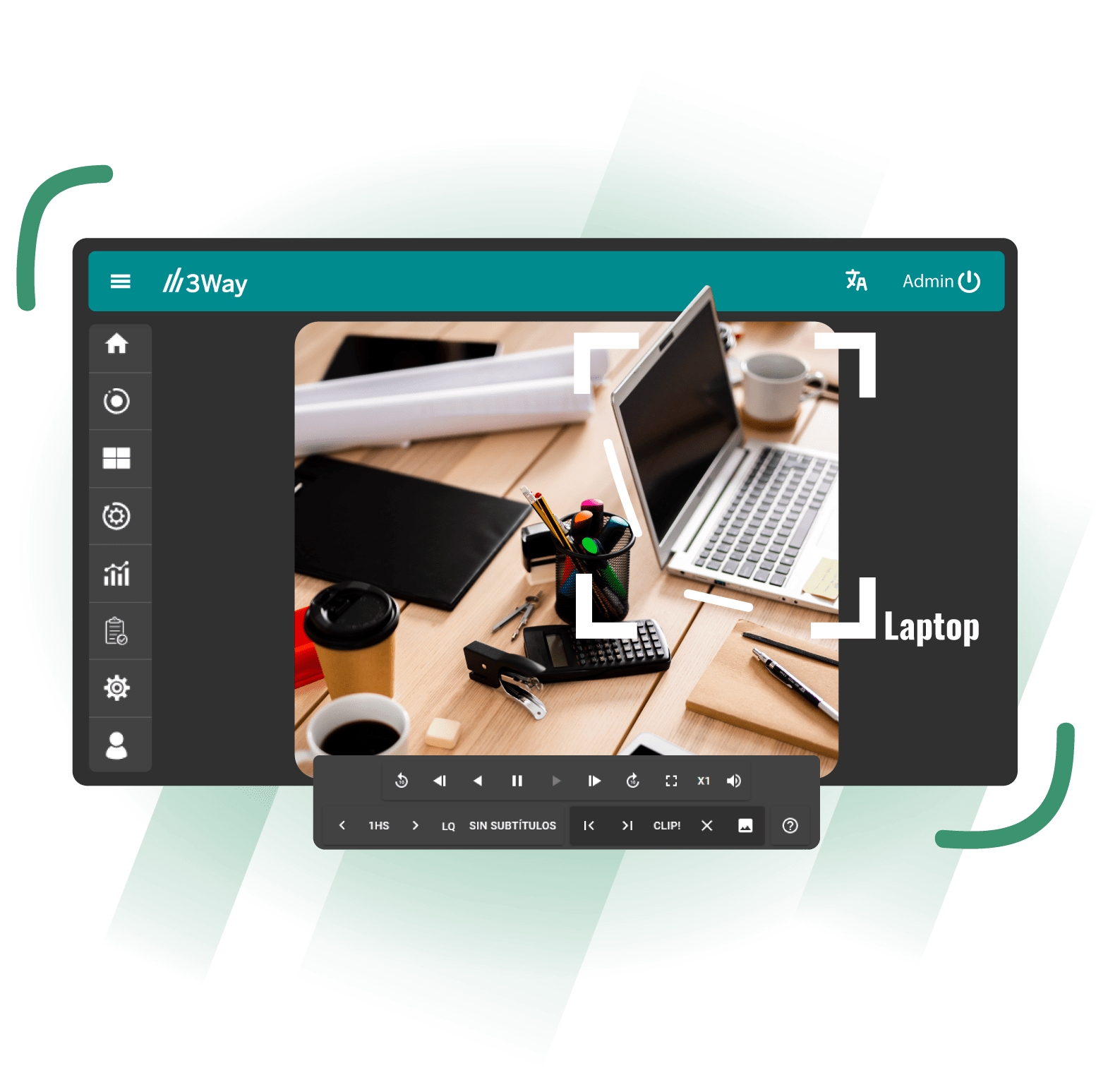
Identify visual elements in your content using models trained for the available categories. Detections offer another way to navigate and classify your material.
- Locate elements in configured categories.
- Link detections to their video segments.
- Combine visual information with other searches.
Useful for exploring archives and finding visual material. Available categories depend on the deployed model.
Scene Understanding · VLM
A scene. More than a list of objects.
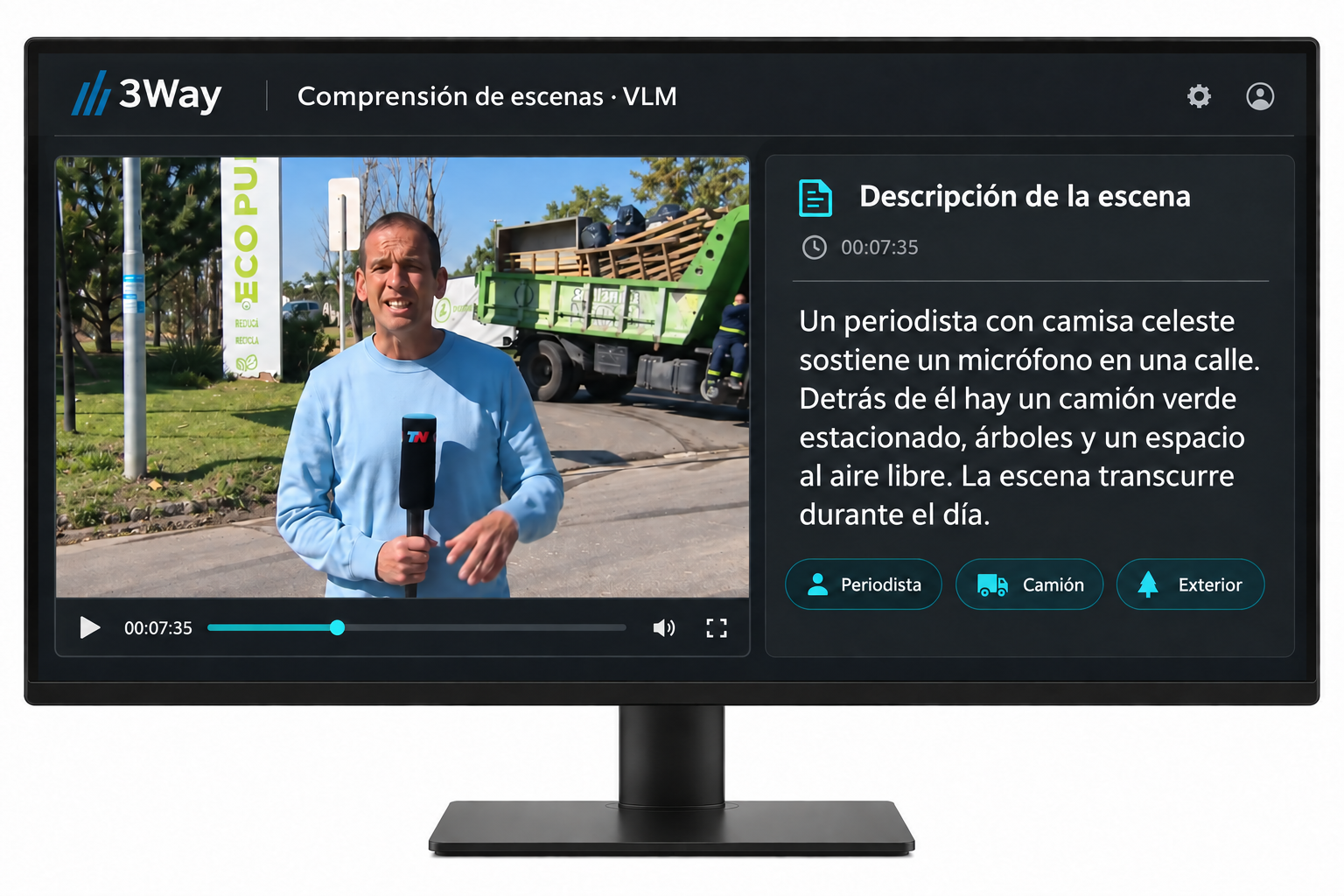
Vision-language models describe visual content in words. These descriptions add context to your archive and help retrieve scenes by meaning.
- Generate descriptions of image content.
- Enrich your audiovisual archive's metadata.
- Find material using a natural-language description.
Turn your memory of a scene into a description you can search for.
Semantic Analysis · LLM
From content to information that matters.
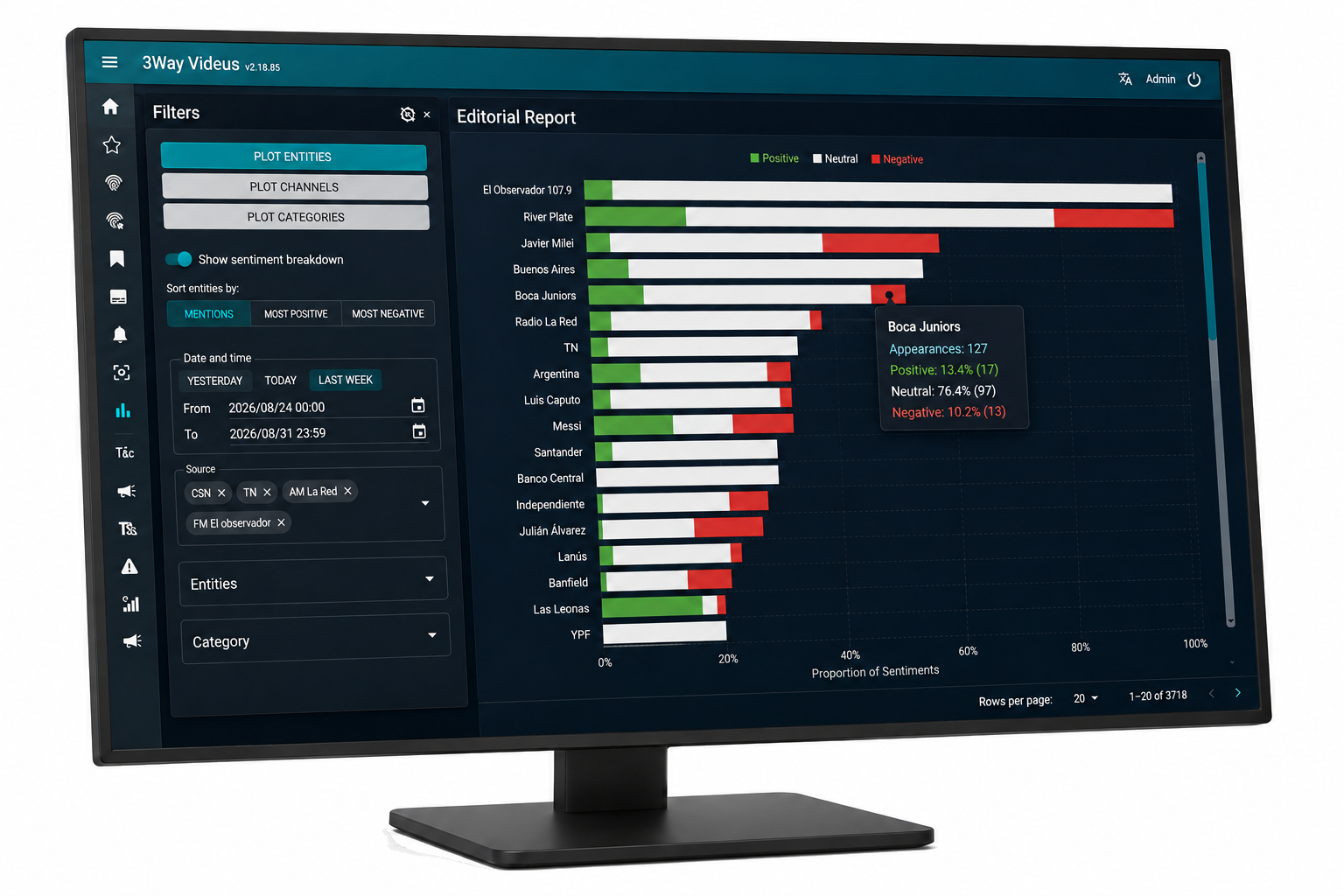
Using transcripts and available information, language models help organize content by topic, entity and category. Summaries and tags make review and search easier.
- Identify mentioned topics, people and organizations.
- Generate summaries and tags to organize content.
- Analyze mentions and their context in editorial reports.
Follow a topic, explore media coverage and review the analysis alongside the original content.
Audio & Video Fingerprint
Make every broadcast of a clip easier to find.
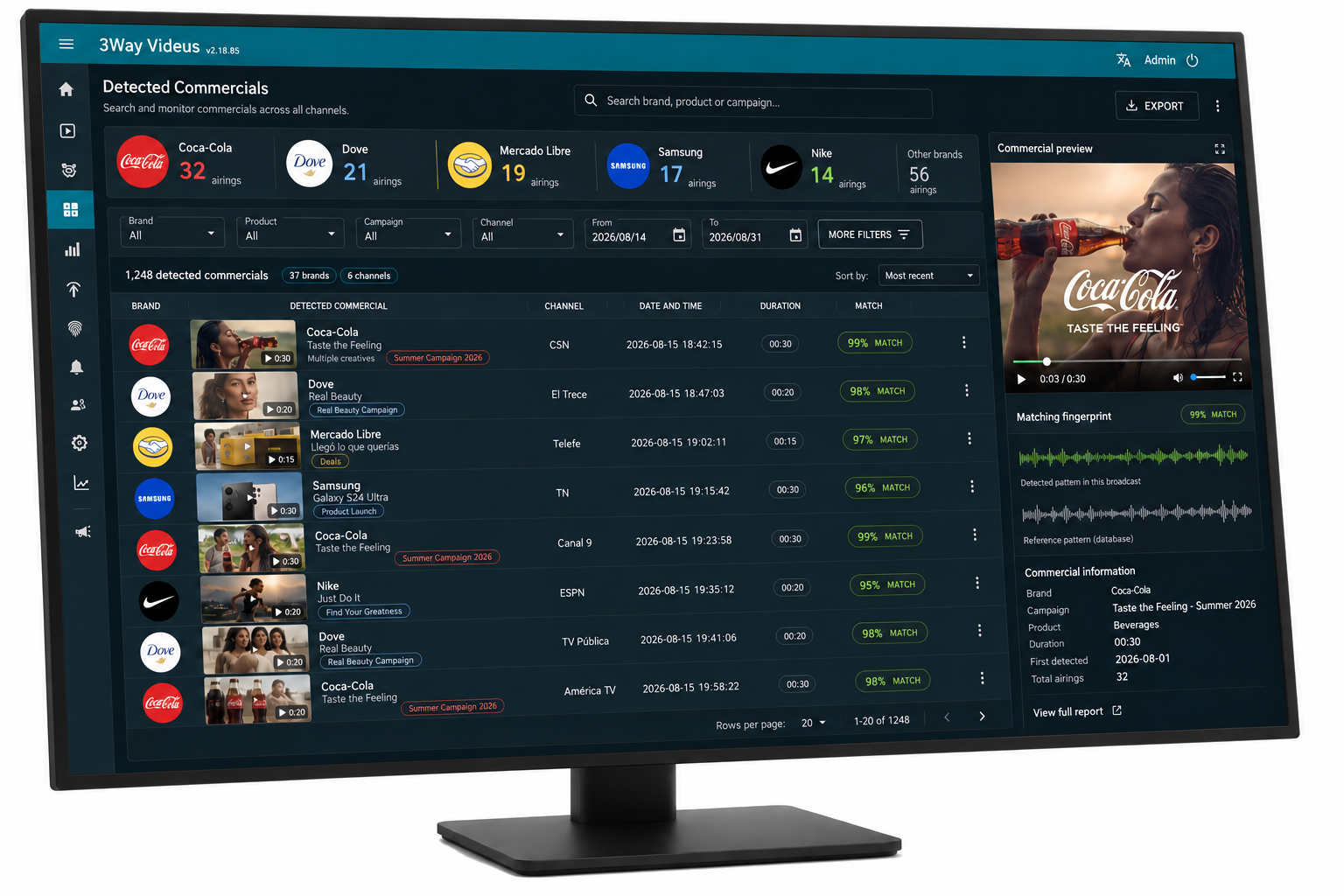
Register commercials, promos or reference clips and detect broadcasts using audio and video fingerprints. Review matches and the broadcast segment.
- Register the content you need to monitor.
- Check the station, date and time of detections.
- Review matches and export broadcast reports.
A tool to audit your campaigns and track competitors' ads.
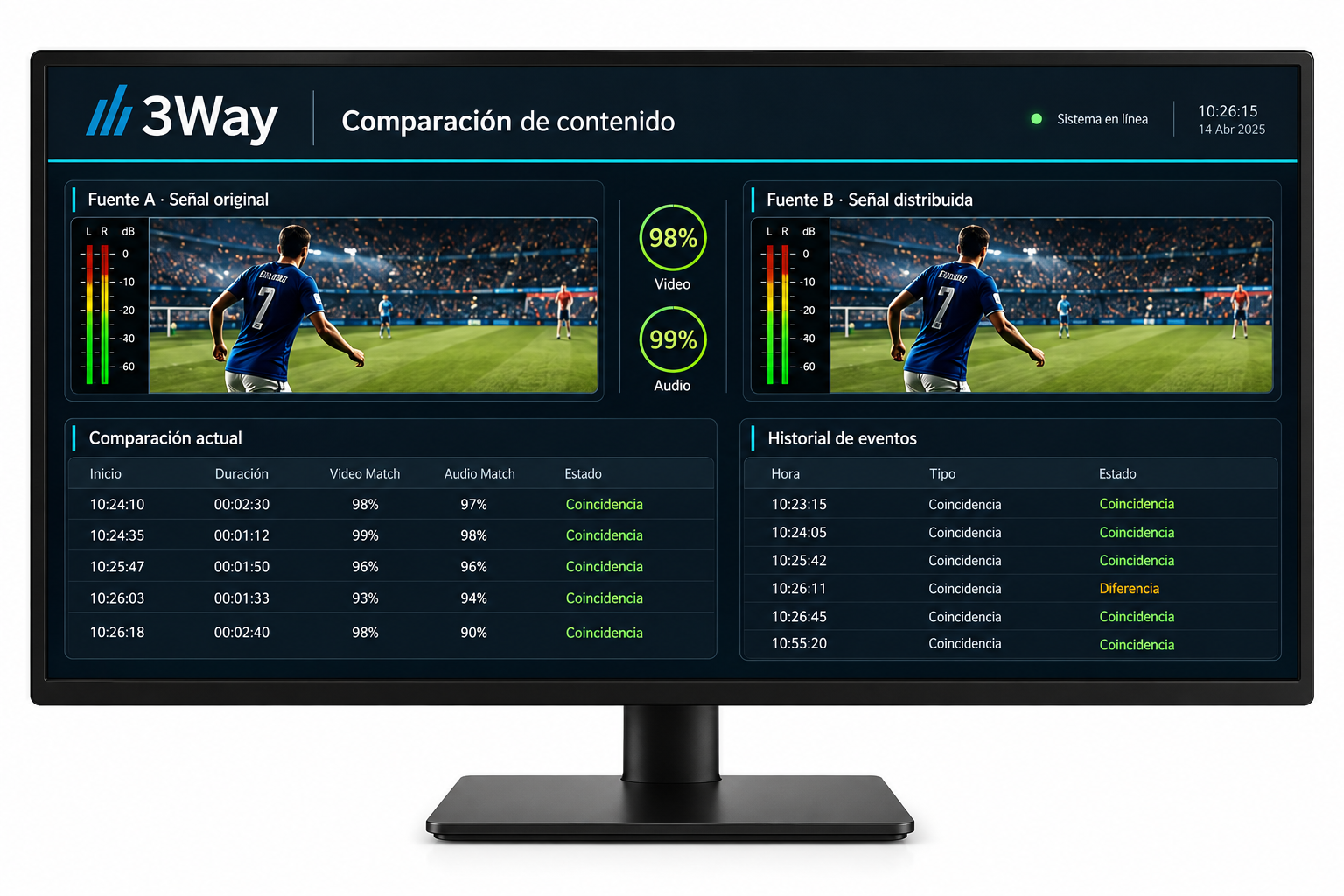
Content Comparison
Compare what your signals broadcast.
Compare one signal's content with one or several others. Track matches between broadcasts and review selected signals.
- Compare one signal against one or several others.
- Monitor matches between broadcast content.
- Complement your operational monitoring.
While Fingerprint searches for registered clips, this tool compares content between signals.
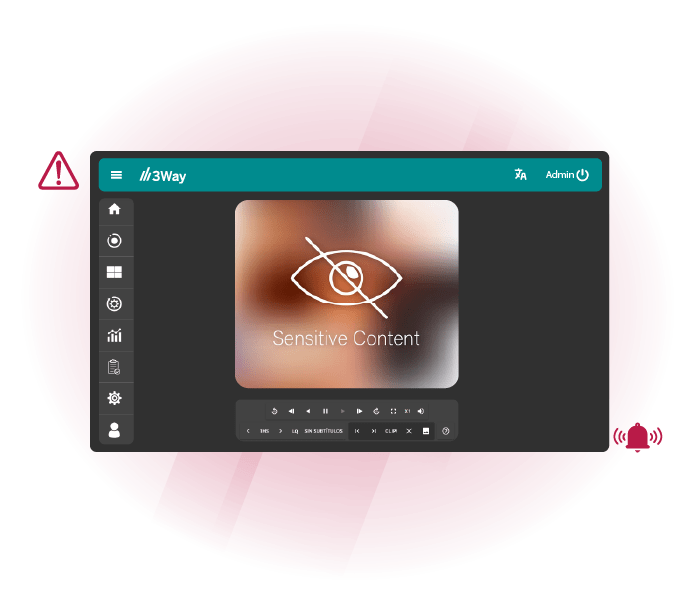
Nudity Detection
Detect scenes that need review.
Analyze audiovisual content to locate potential nudity. Detection helps prioritize material for review and find segments that require attention.
- Support review of broadcasts and recordings.
- Locate potential detections within the content.
- Evaluate each result in context.
Detection assists the operator: the final decision depends on human review and editorial judgment.
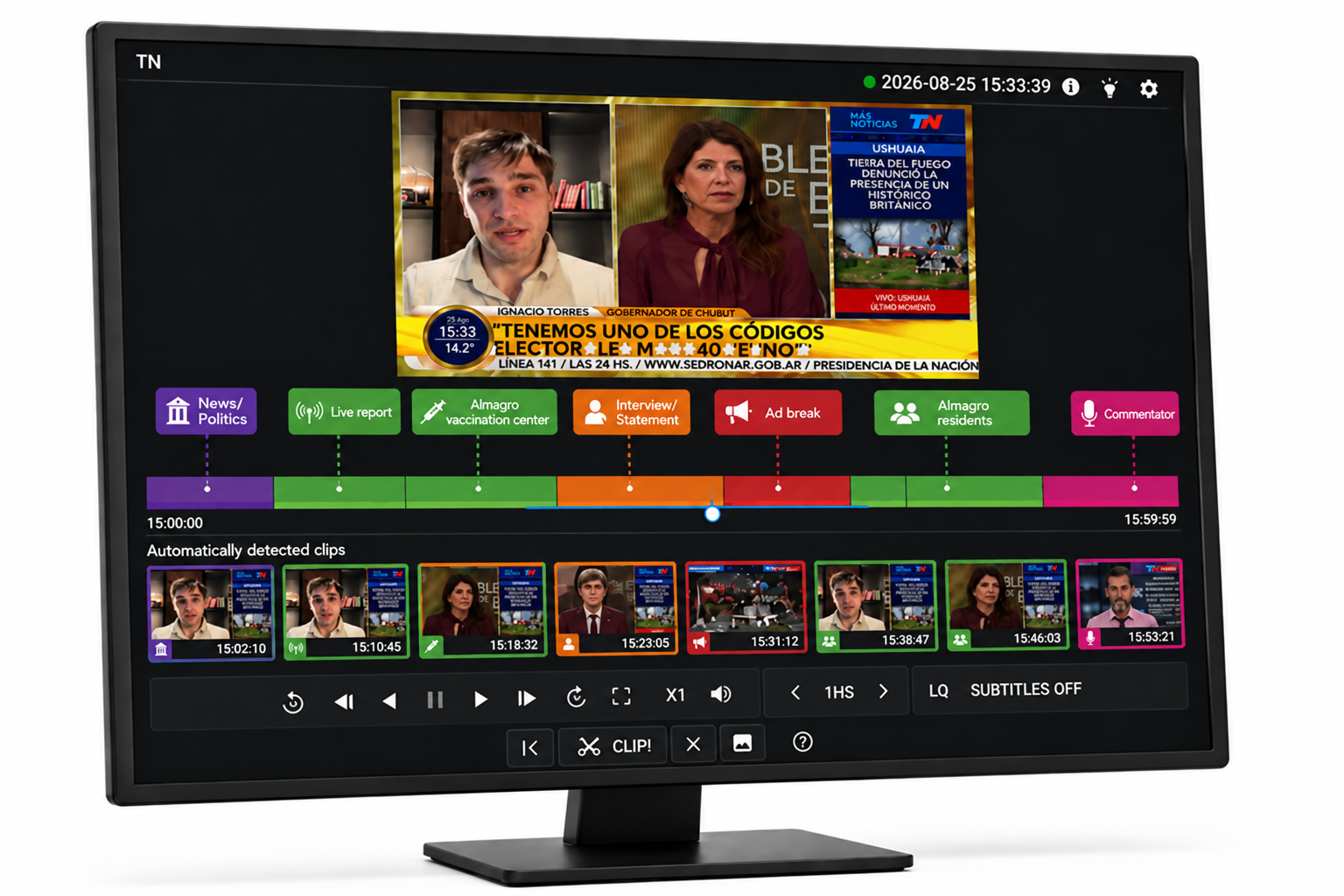
Auto Highlight
From hours of programming to highlights.
Identify and extract highlights from radio and television recordings. Bring segments into the Clipping workflow to review, edit and prepare them for distribution.
- Reduce time spent browsing recordings.
- Generate an initial selection of relevant segments.
- Continue editing and publishing in Clipping.
Your team spends more time deciding what to publish and less time finding material.
All that information.
A new way to search.
Words, people, brands and descriptions become more than isolated data. They become ways to return to your content and work with it.
“Find interviews about renewable energy.”
Analyze
Extract information from your signals and files using the configured engines.
Find
Retrieve material by keyword, detection or meaning, depending on the solution.
Use
Review the video, prepare reports or send the segment to your production workflow.
AI where you need it.
A family of tools to monitor broadcasts, produce content and retrieve your archive.
ViDeus Logging
Track broadcasts, mentions and ads. Information to review and report.
Explore Logging ↗PRODUCTION AND PUBLISHINGViDeus Clipping
Find relevant moments and continue selecting, editing and publishing clips.
Explore Clipping ↗ARCHIVING AND RETRIEVALViDeus Catalog
Enrich your archive with metadata and retrieve content through conversational search.
Explore Catalog ↗A configuration for your operation.
We define engines and infrastructure based on your sources, content volume and workflow. ViDeus offers local processing options and API integration.
Each capability depends on the product, enabled modules and project configuration.