Dedicated storage
Catalog with a dedicated disk array sized for your content volume and retention requirements.

The ultimate Media Asset Management system. Automate cataloging, transform hours of video into searchable metadata, and keep 100% control of your content with our on-premises architecture and multilingual support.
While other platforms force you to upload petabytes of video to the cloud, ViDeus processes everything locally. Your data and Artificial Intelligence models run on your own servers or dedicated hardware.
This guarantees total control over your intellectual property with no risk of leaks, and predictable fixed costs with no surprises from cloud bandwidth or processing consumption.
From ingestion to retrieval, the entire pipeline is integrated into a single platform, powered by AI at every step.
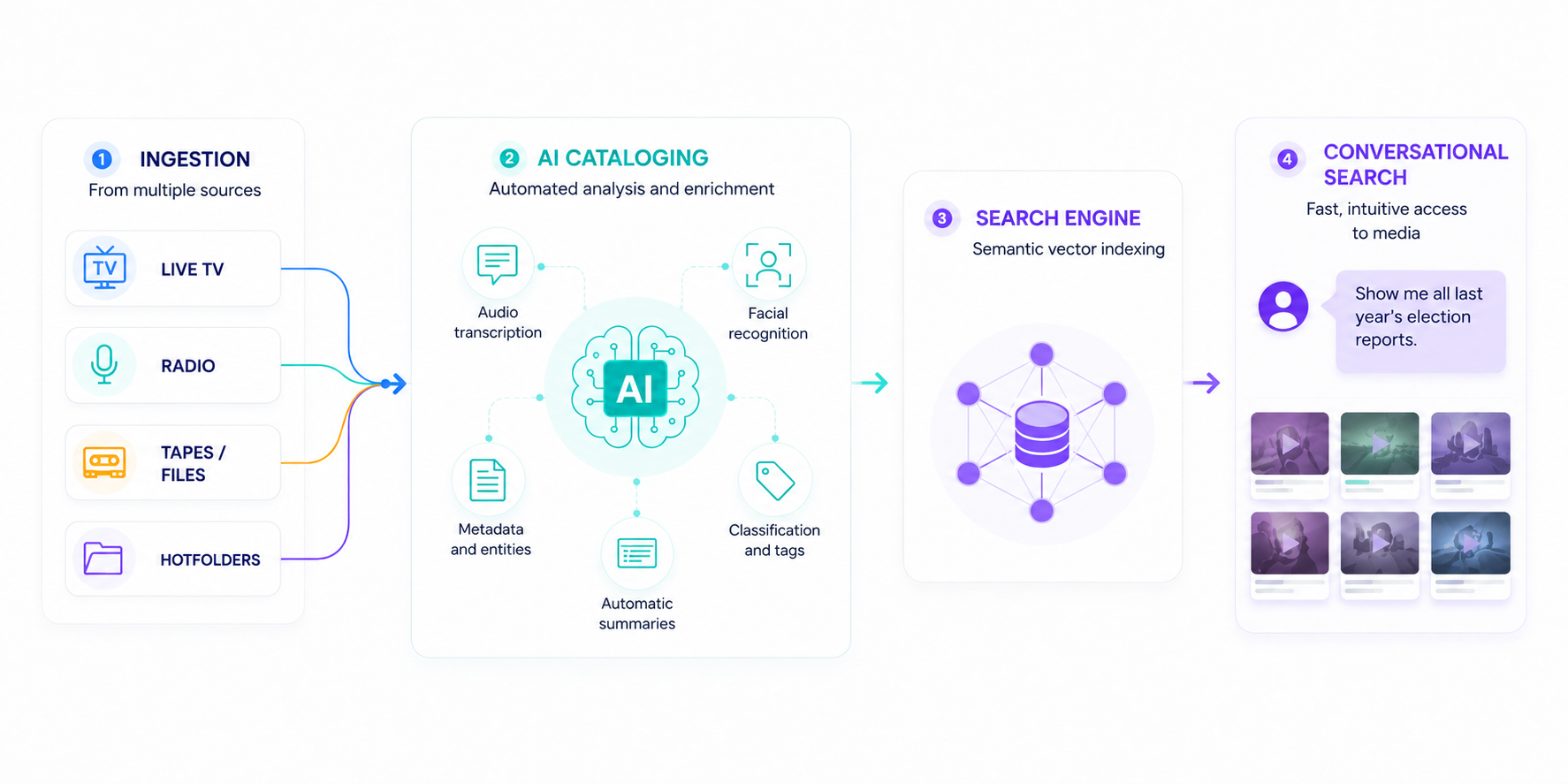
Import video, audio, images, and documents into a single pipeline. Automatic normalization and instant proxy generation.
Real-time semantic metadata extraction using advanced local engines that operate without human intervention.
Retrieval via vector indexing. Ask in natural language and get the exact relevant clips.
Our platform features analytical engines that extract information with unmatched precision, running entirely on premises.
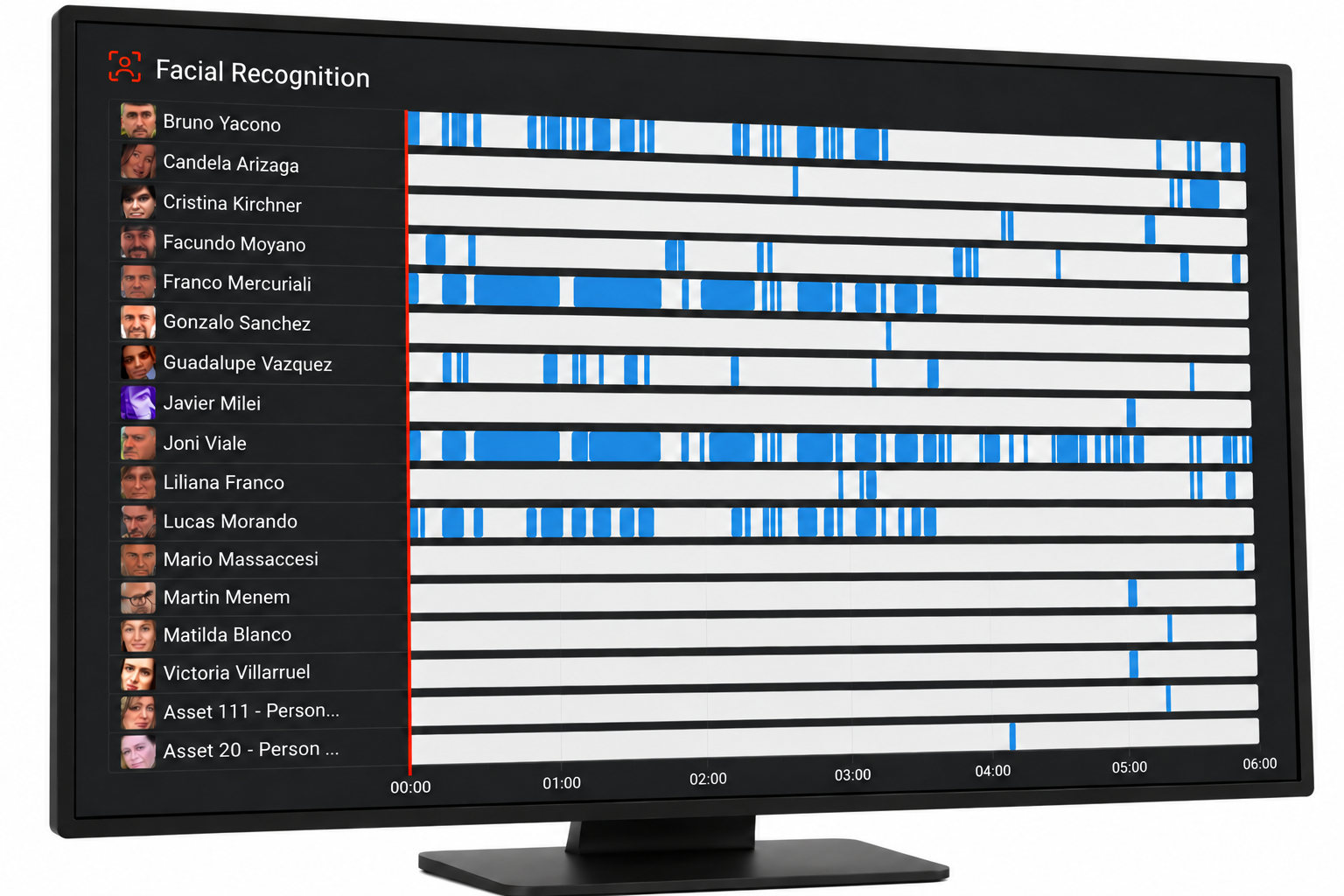
Automatic detection of people in TV signals and streams. Essential for finding appearances of public figures in seconds.
Uses the latest technology for automatic detection of ads and clips. Allows instant reporting of your own and competitors' ad placements.
Automatic and precise identification of who is speaking in radio or TV broadcasts, applicable to both live and archived content.
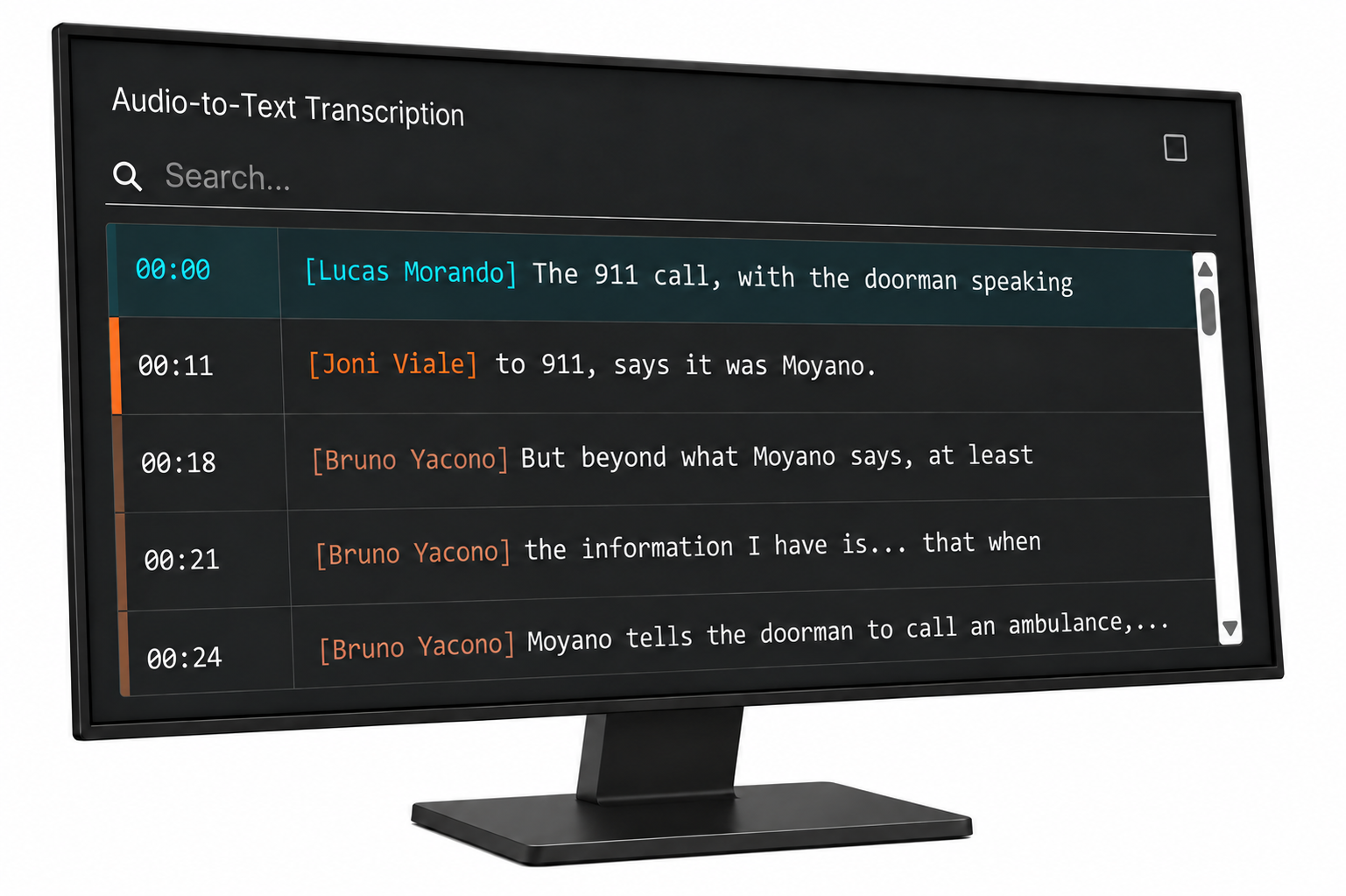
Indexes the text extracted from audio as metadata time-synced with the video, enabling hyper-precise searches by exact phrase.
Automatically detects images and company logos in TV signals. Essential for auditing brand and sponsor exposure.
Based on the transcription, the AI automatically identifies and classifies the appearance of predefined topics of interest, understanding the context.
Indexes text appearing in the video, such as lower thirds or banners, enabling direct searches on on-screen text.
Automatic Description Generation. The vision-language model reads the image and writes an explanatory text of the scene in milliseconds.
Discover how each module analyzes audio, video and text to help you find and use your content.
EXPLORE AI MODULESCatalog with a dedicated disk array sized for your content volume and retention requirements.
Originals stay on your NAS. Catalog analyzes and organizes them; ViDeus stores only proxy copies.
Add AI-powered cataloging to your existing archive through an API integration with your current MAM, subject to compatibility.
Connect ViDeus Catalog with AI assistants and agents through MCP (Model Context Protocol), complementing the REST API and third-party integrations to query information from your media archive.
Extend your dedicated storage with an LTO tape library or drive, and manage your tapes directly from ViDeus.
Search with AI, select the material, and send it directly to DaVinci Resolve.
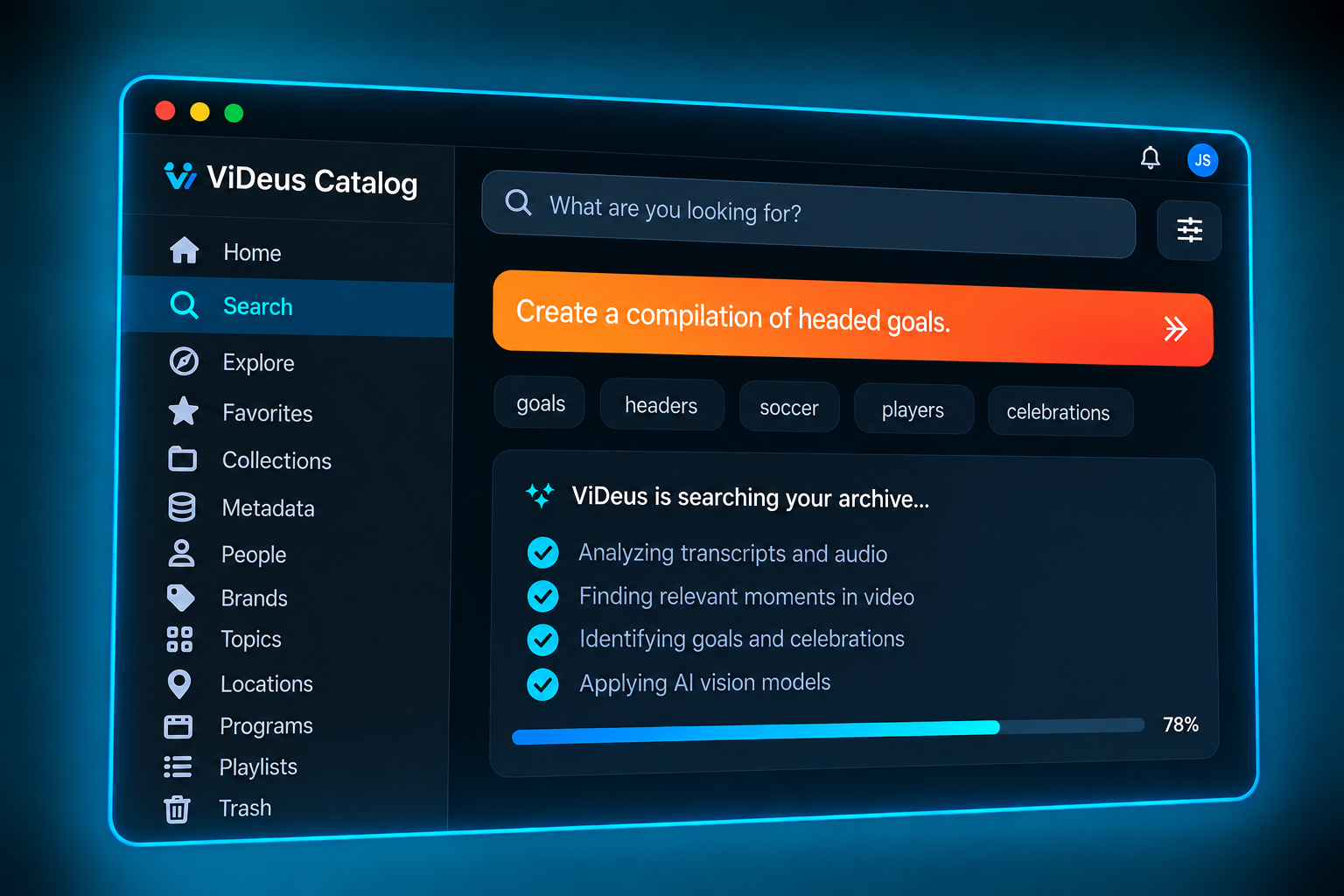
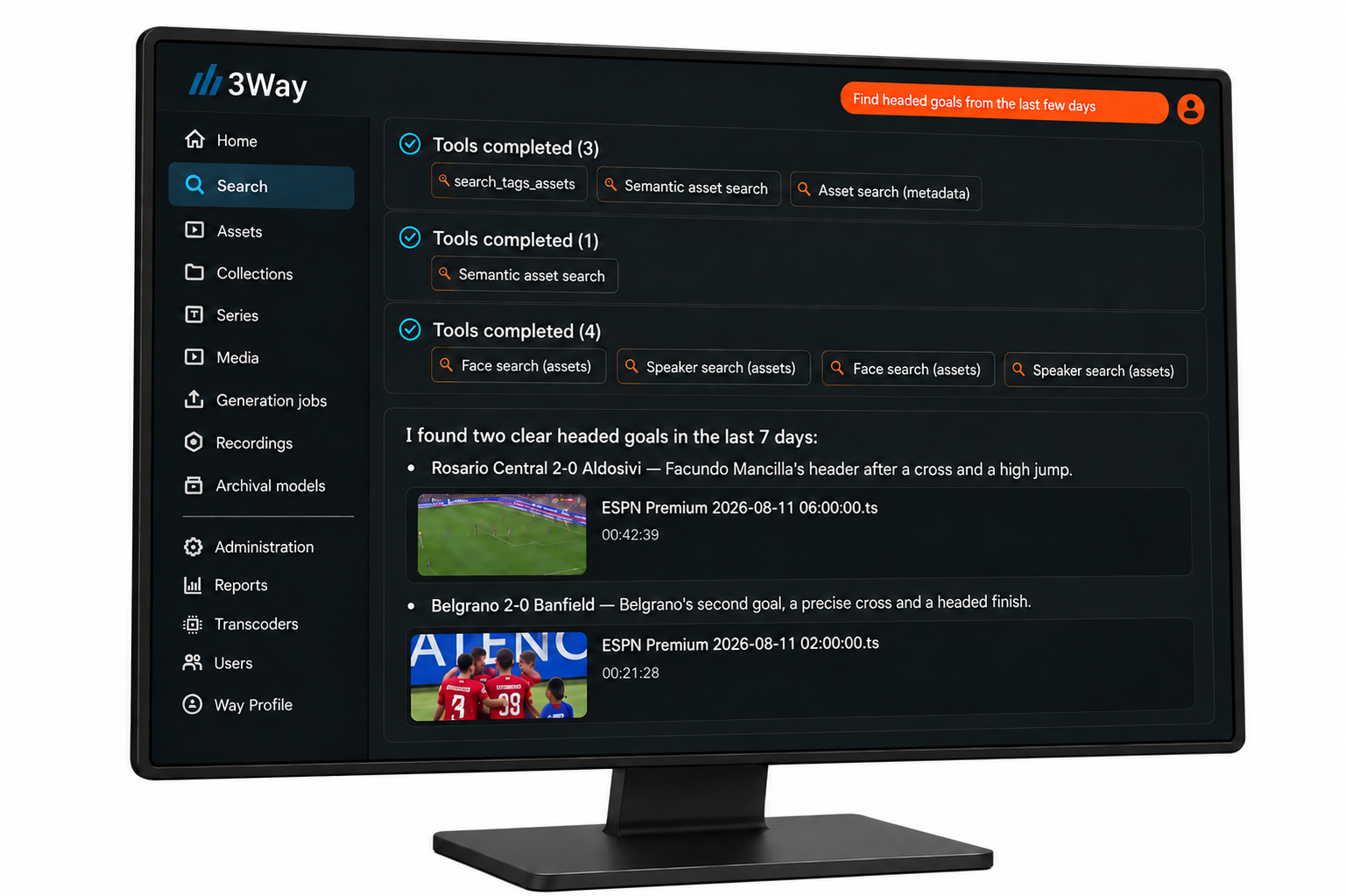
Use natural language to find the content you need.
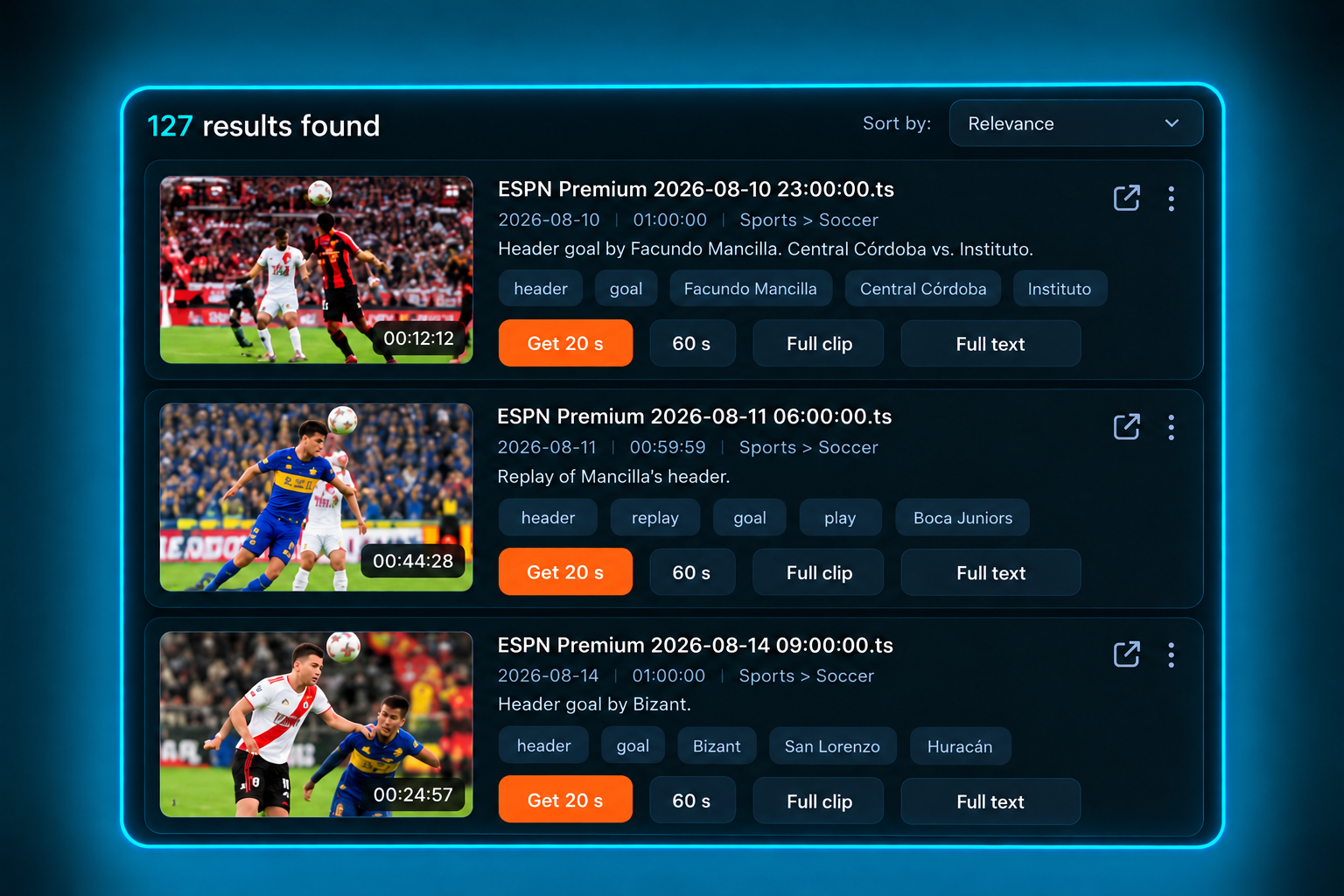
Select the relevant clips: 20 seconds, 60 seconds, or the full recording.
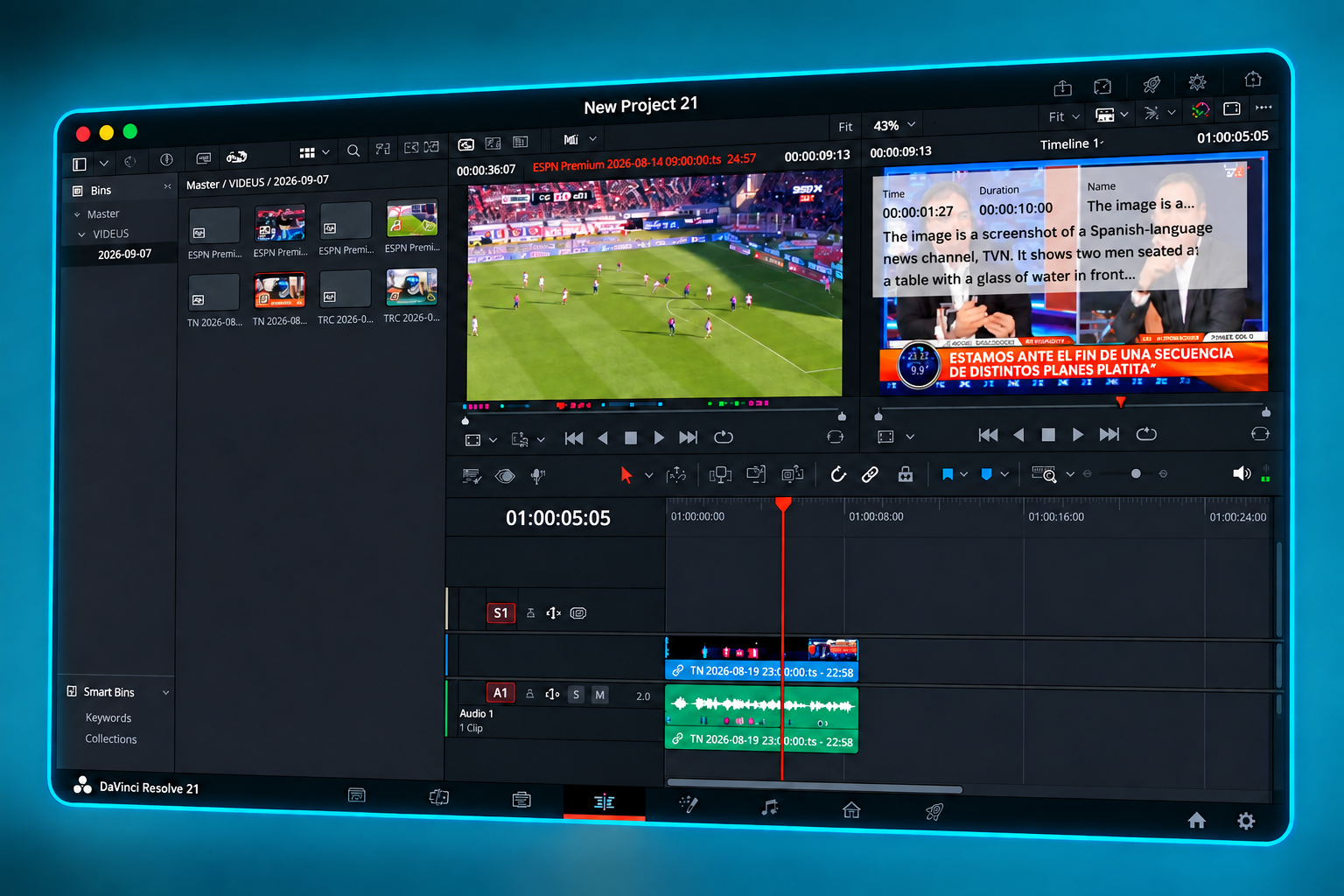
The content appears directly in your Media Pool, ready to use.
For teams that need to organize, find and reuse their audiovisual content.

Find interviews, news and archive footage to add context and enrich new productions.

Organize takes and recordings, find the segment you need and send selected footage to editing.
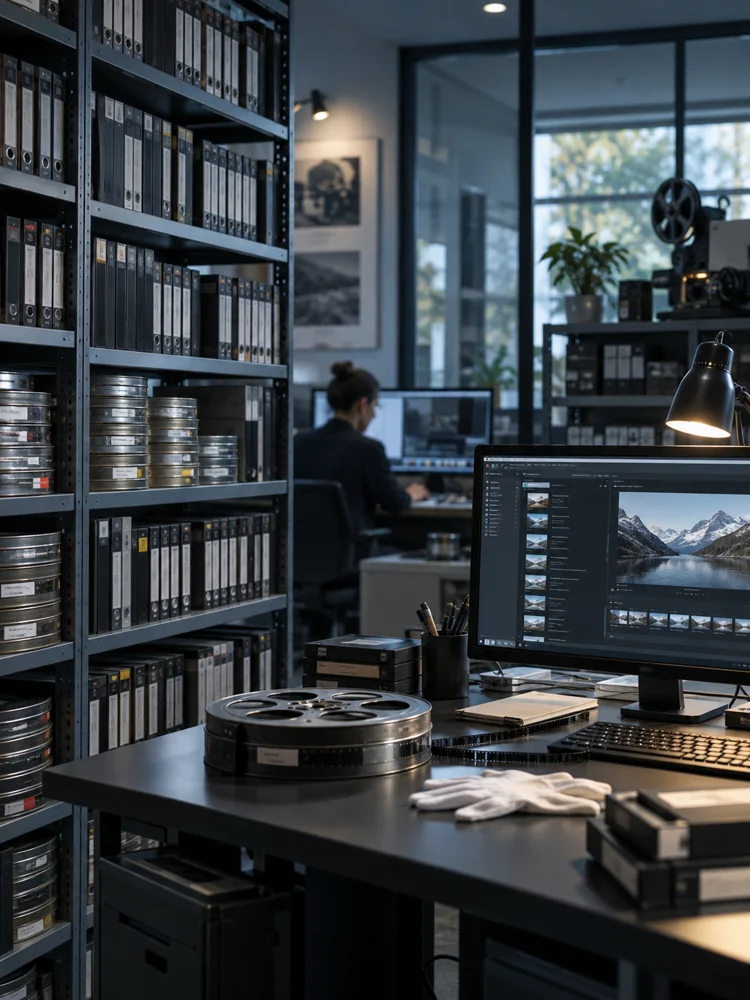
Centralize collections and institutional recordings to make your archive easier to search and use.

Bring campaigns, events and videos from different teams into an organized library under your organization's control.
Find what was said in classes, talks and conferences to revisit and reuse that knowledge.
Organize matches, interviews and productions to retrieve footage and tell new stories from your archive.